
Cross-section drawing
Section View Patent Drawing
Show what is inside. Upload a photo and get a section view: the object cut along its central plane, with evenly spaced 45° hatch lines on the cut surfaces, drawn in black and white for a patent sheet.
Input
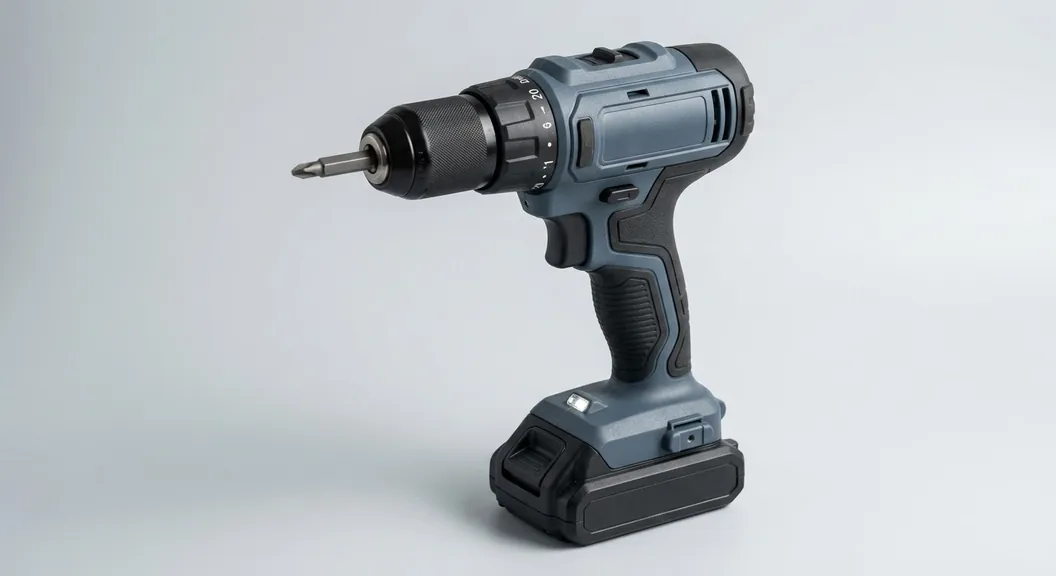
10 credits per figure. Sign up free: 30 credits on day one, then 10 a day.
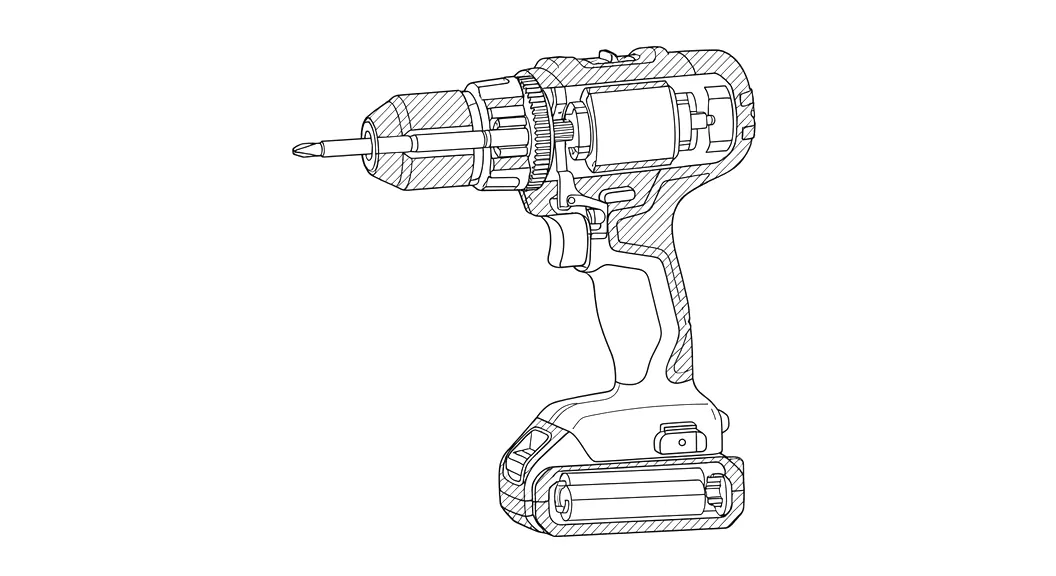
A cross-section in patent drawing style
Cut on the central plane
The object is cut along its main plane of symmetry, the view most section figures use.
45° hatching
Cut surfaces get evenly spaced diagonal hatch lines, the standard way to mark a section in patent drawings.
Clean black lines
No gray fill or shading; hatch lines stay thin and spaced so they reproduce cleanly.
Pair with the outside view
Generate the line art from the same photo and place both on one sheet set, with a section line on the outside view if you add one.
Numerals and export
Add reference numerals in the sheet editor and export vector PDF, 300 DPI PNG or SVG.
Beta, reviewed by you
A photo does not show the inside, so the interior is inferred. Check walls, cavities and internal parts against your real design.
How section views work in patents
A sectional view shows the object as if cut by a plane, with the cut surfaces hatched with regularly spaced oblique parallel lines (37 CFR 1.84(h)(3)). The plane is normally marked on another figure by a broken line with the view number at each end, such as 2-2.
Section views are how a drawing shows wall thickness, internal channels, seals and parts nested inside a housing, which outside views cannot.
How to make one
- Sign up and open the generator. Upload a clear photo of the product.
- Choose Section view (beta) and generate. Each figure costs 10 credits.
- Check the inside against your design. If it differs, generate again or edit the SVG.
- Add the section and the outside view to a sheet set, number the parts, and export.
Limits to know
- The inside is inferred from the outside. For products with complex internals, use your CAD section and the sheet tools here.
- The section plane is the central one; other planes are not selectable yet.
- Section line markings (2-2) on the outside view are added by you in an editor.
Section view drawing FAQ
Related tools
Need the drawing itself?
Generate patent line art from a photo or sketch, or a flowchart from a claim, and lay it out on USPTO sheets.
Start creating