Photo to line art
Photo to Patent Drawing
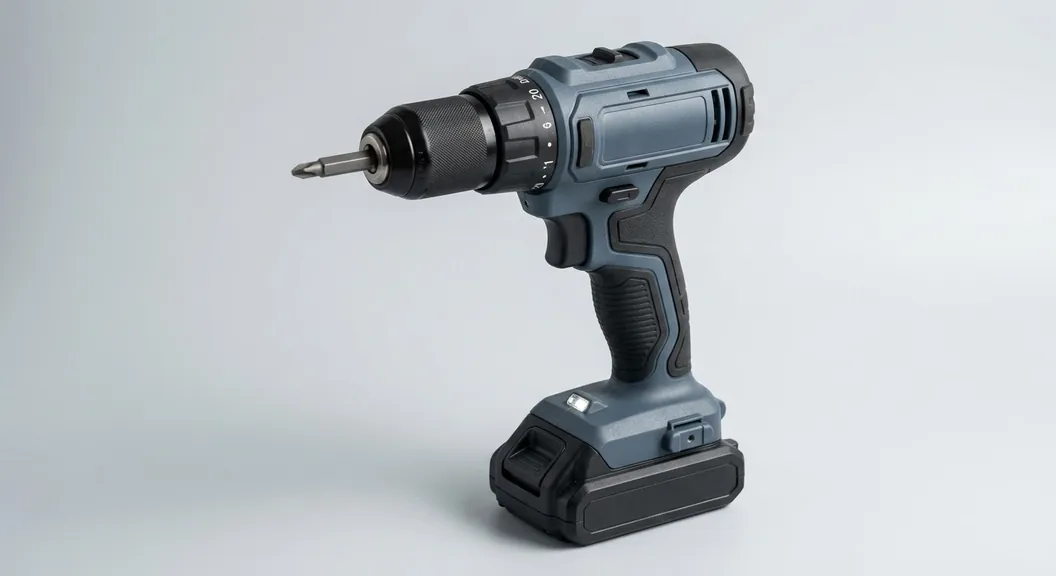
Turn a photo of your product or prototype into black-and-white patent line art. The object is redrawn with clean, even lines and no shading, color or background, then placed on a USPTO sheet when you are ready to file.
Input
10 credits per figure. Sign up free: 30 credits on day one, then 10 a day.
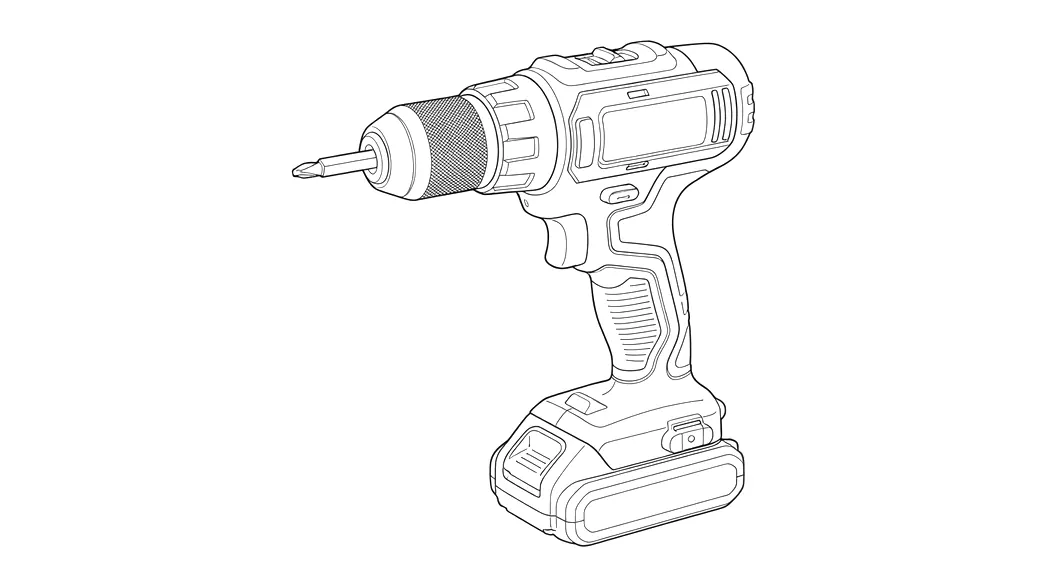
From a phone photo to a filing-ready figure
Redrawn, not filtered
The object is drawn again as line art, not run through an edge filter, so textures, reflections and backgrounds do not turn into noise.
Checked before you see it
Every result is checked for shading, gray fills and stray text. A drawing that fails is redrawn once at no extra cost.
Four views from one photo
Pick plain line art, or a perspective, exploded or section view (beta) from the same upload.
Reference numerals
Place numbers and lead lines on the figure in the sheet editor; they stay vector text at the required 0.32 cm height. Available with purchased credits.
USPTO sheets
Add figures to a sheet set with Letter or A4 margins, FIG. labels and n/N sheet numbers, then export a vector PDF, 300 DPI PNG or SVG.
Private by default
Uploads are not stored and never used for training. Results stay in private storage behind short-lived links.
What makes a good source photo
The drawing can only show what the photo shows. A sharp photo of the whole object on a plain background gives the cleanest lines.
- Fill most of the frame with the object and keep all of it in view.
- Use even light. Hard shadows and glare can be read as edges.
- Shoot against a plain wall or sheet of paper rather than a busy desk.
- Take one photo per view you need: front, side, top or three-quarter.
How to turn a photo into a patent drawing
- Sign up and open the generator. Upload a JPG, PNG or WebP photo up to 10 MB.
- Choose the view: line art, or a beta perspective, exploded or section view.
- Generate. The line drawing is ready in about 15 seconds and costs 10 credits.
- Add it to a sheet set, place reference numerals, and export PDF, PNG or SVG.
What the drawing follows
Utility patent drawings must be black lines on white, with no color or photographic shading unless a petition is granted (37 CFR 1.84). The generator draws to that standard: solid black lines of even weight, white background, no gray fills.
Always compare the drawing with your product before filing. The model can simplify small details or misread a hidden edge, and what you file has to match your invention.
Photo to patent drawing FAQ
Related tools
Need the drawing itself?
Generate patent line art from a photo or sketch, or a flowchart from a claim, and lay it out on USPTO sheets.
Start creating