
Patent Drawing Examples: 7 Figure Types Explained
Patent drawing examples for each common figure type: perspective line art, sketches, multiple views, exploded and section views, flowcharts and block diagrams.
Patent drawing examples are the fastest way to see what the USPTO expects. Every example below is real output from PatentStroke, so you can see what each figure type looks like when it follows 37 CFR 1.84. The cordless drill photo was itself AI-generated for this demo, to avoid using a real brand's product. The drawings are made from it, unedited.
Key facts
- Utility patent drawings are black-and-white line drawings, with no grey and no color (37 CFR 1.84(a)).
- Common figure types: perspective, orthographic (front, side, top), exploded, section, detail, flowchart and block diagram (1.84(h)).
- Each view is labelled FIG. 1, FIG. 2… and each sheet is numbered n/N at the top centre (1.84(t), (u)).
- Reference numerals are at least 0.32 cm tall and match the written description exactly (1.84(p)).
1. Perspective line art
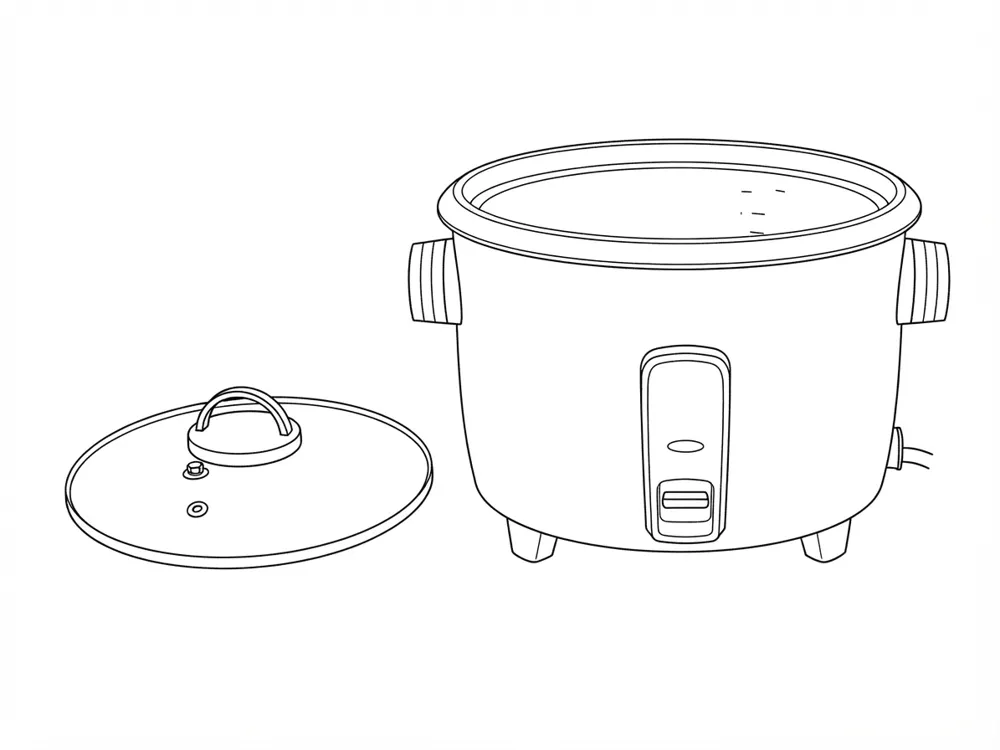
A perspective view is usually FIG. 1 because it shows the whole device at once. It is also often the figure chosen for the front page of the published patent.
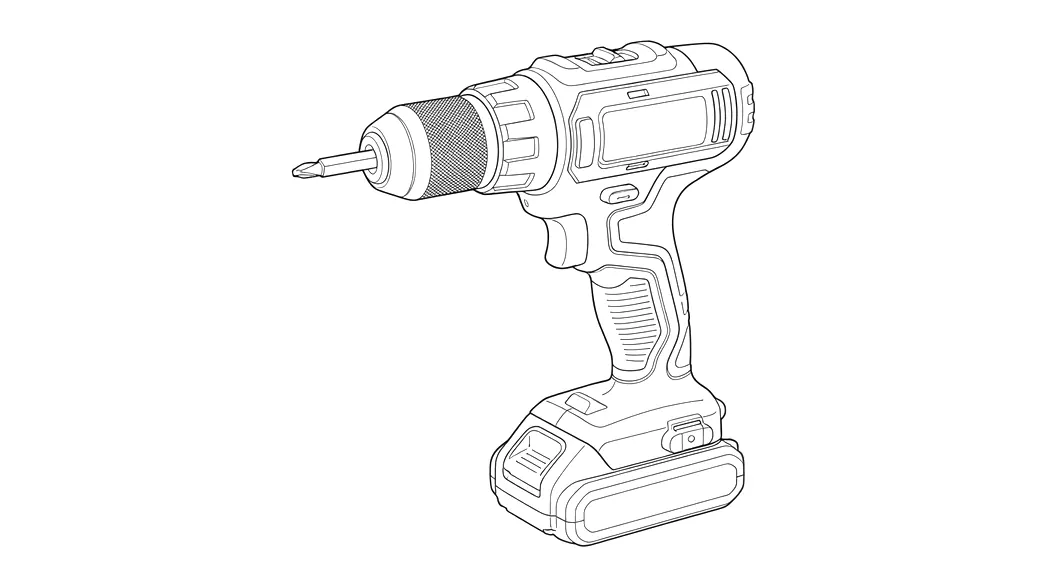
What makes it acceptable: lines only, no photo texture, no grey fill, and enough detail to point a reference numeral at every claimed part.
2. Line art from a hand sketch
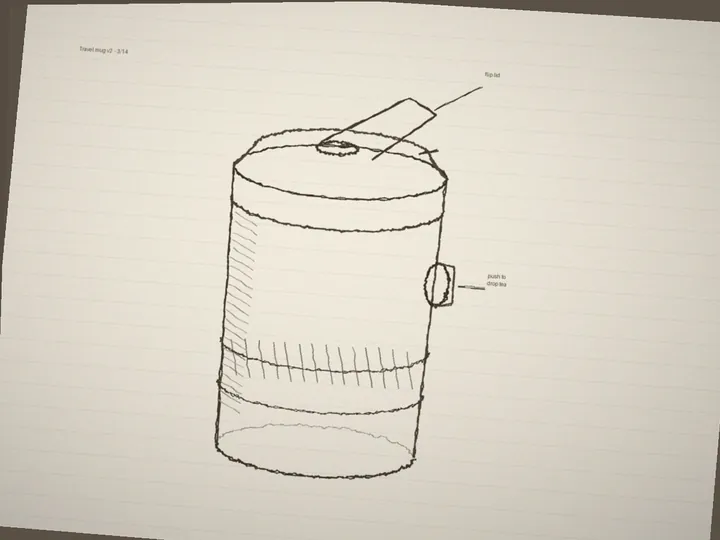
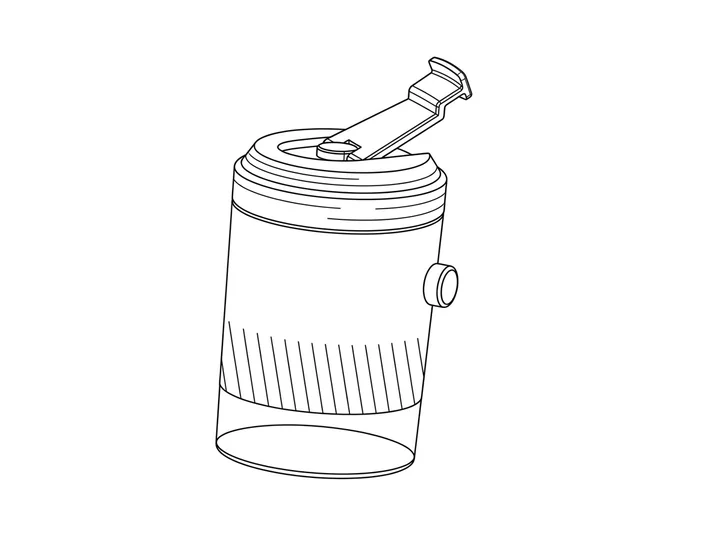
You don't need a finished product. A clear sketch on paper can become a formal drawing, which is how many early-stage inventors start.
3. Multiple views of the same object
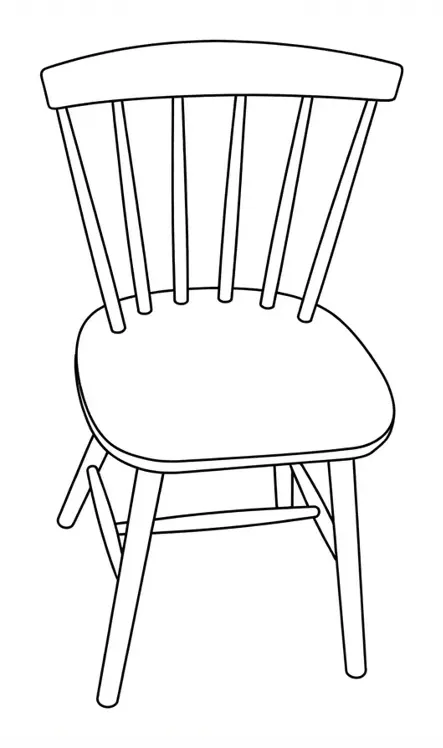
Most applications show the invention from several sides so every claimed feature is visible somewhere. Keep each view at the same orientation on the sheet, and give each one its own FIG. number.
4. Exploded view
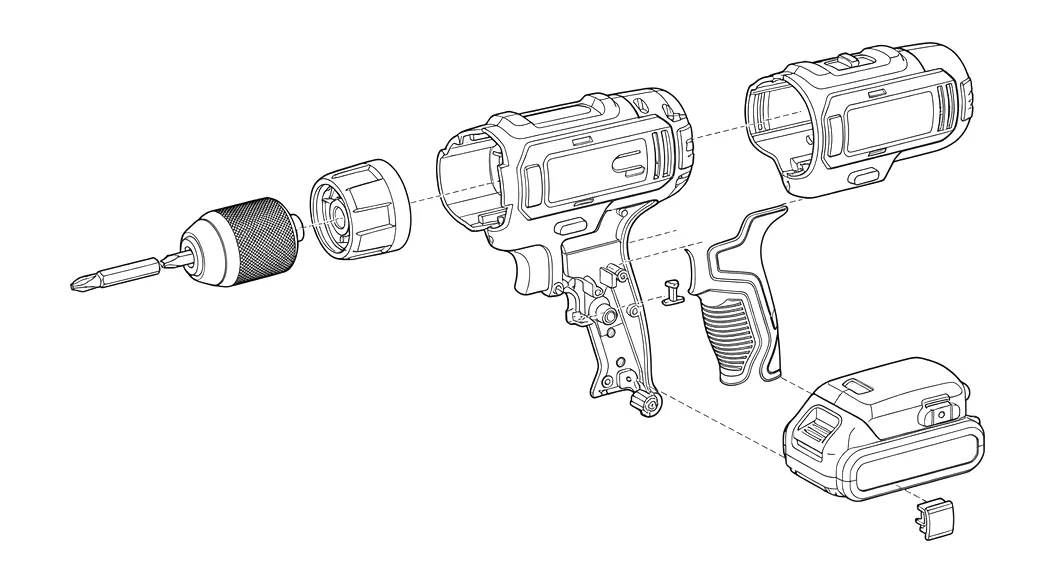
An exploded view separates the parts along their assembly axes to show how they fit together. Under 1.84(h)(1) the separated parts are held together by a bracket, and if the exploded view shares a sheet with other figures it is placed in brackets.
5. Section view
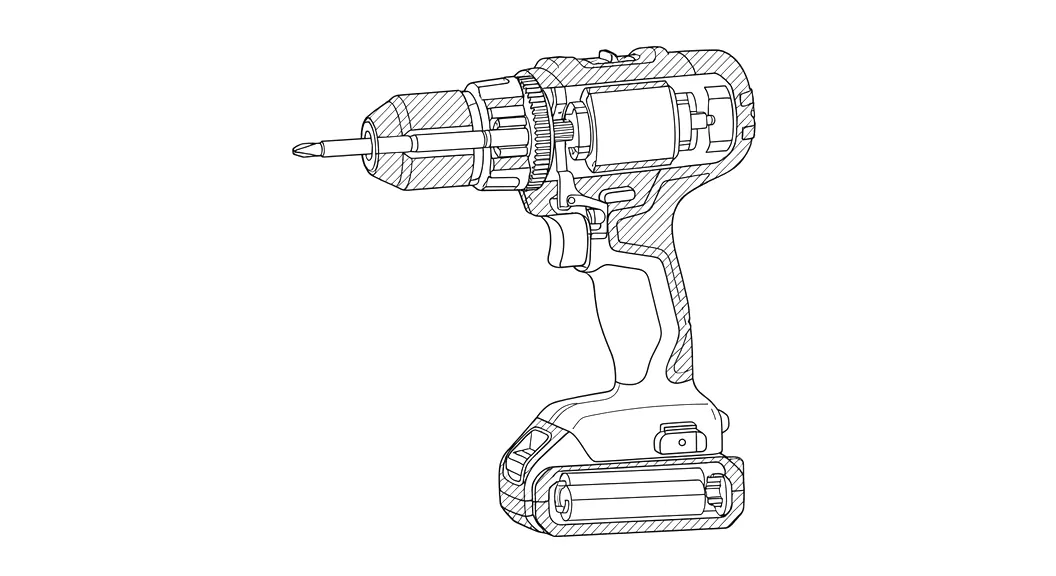
A section view cuts through the device to show internal parts. The cutting plane is drawn on another view as a broken line, with the section's view number at each end and arrows showing which way you are looking. Cut surfaces are hatched with evenly spaced oblique lines (1.84(h)(3)).
6. Flowchart for a method claim
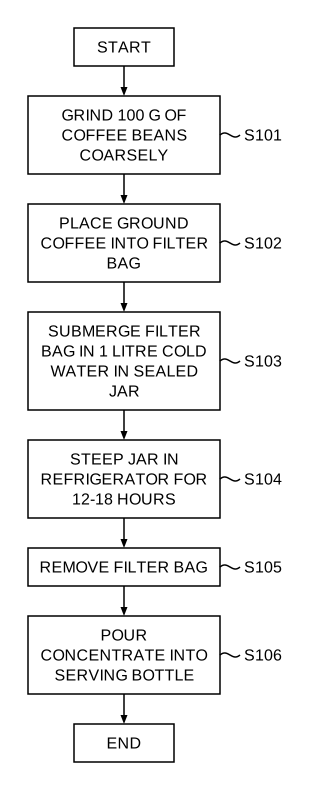
Method and software claims are usually illustrated with a flowchart. Each step box carries a short label and a step number, commonly S101, S102…, that the description refers to. Start and end terminals don't need numbers.
7. Block diagram for a system
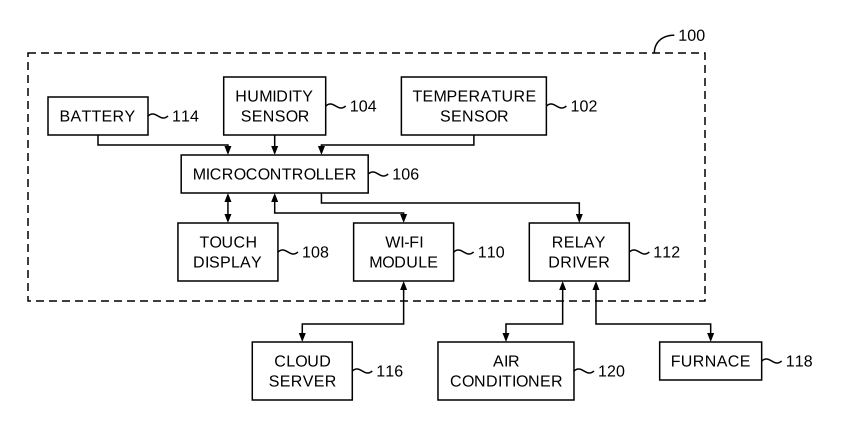
A block diagram shows the components of a system and how they connect. Under 1.83(a), conventional parts may be shown as labelled rectangular boxes. Number the system 100 and its blocks 102, 104… so each one can be named in the text.
What to check in any example
| Check | Why it matters |
|---|---|
| Only black lines on white | Grey or color is the most common formal objection |
| Every claimed part is visible | 1.83(a) requires every claimed feature to be shown |
| Numerals 0.32 cm or taller with short lead lines | 1.84(p) and (q) |
| Same numeral for the same part in every view | 1.84(p)(4) |
| FIG. label under each view, sheet number on top | 1.84(t) and (u) |
| Readable at two-thirds size | 1.84(k) |
The full list, rule by rule, is in our patent drawing requirements checklist. To make figures like these from your own photos, sketches or claims, start on the generator. Each drawing costs 10 credits and each flowchart or block diagram 5, and new accounts get 30 free credits.
Frequently asked questions
What does a good patent drawing look like?
Solid black lines on a white background, no grey or color, every claimed part visible, short lead lines to reference numerals at least 0.32 cm tall, and a FIG. label under each view. The sheet keeps the USPTO margins and carries a sheet number such as 1/2 at the top centre.
How many figures does a patent application usually have?
There is no fixed number. A simple mechanical device often has 5 to 10 figures: a perspective view, a few orthographic views, an exploded view and one or two sections. Software applications usually have a system block diagram and one flowchart per claimed method.
Can I copy figures from an existing patent as examples?
You can study published patents to see how figures are laid out, and Google Patents and USPTO Patent Public Search are good places to look. Your own drawings must show your invention, so redraw rather than copy.
Which figure types does PatentStroke make?
Line art from photos and sketches, with perspective, exploded and section views in beta; flowcharts from method steps or claims; block diagrams from system descriptions; and USPTO sheet sets with editable reference numerals.